

November 6, 2026 · taggle Team
A tag for your pet and one for emergencies
The same NFC + QR tag can introduce your pet to whoever finds it or show your medical details if something happens, without revealing who you are.
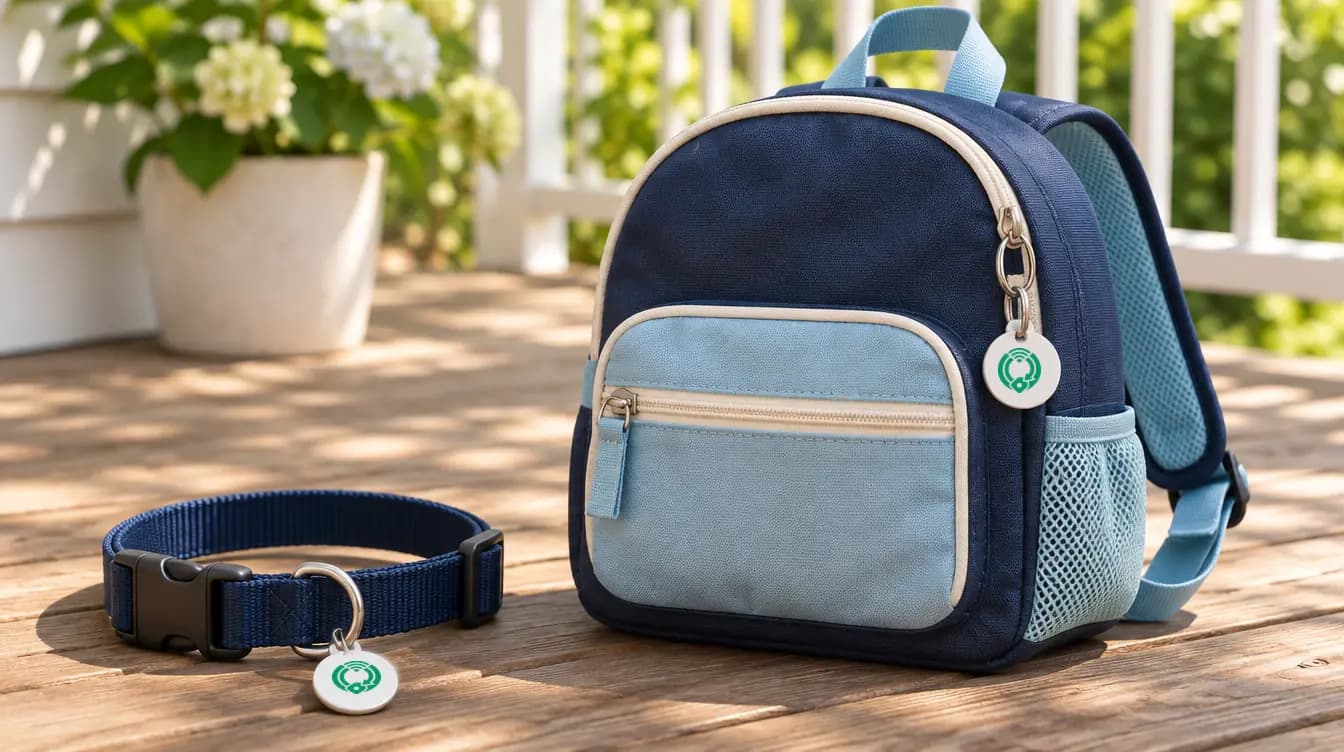
When you activate a taggle tag, you choose what it will protect: a belonging, a pet or an emergency profile. The tag is the same; what changes is what the person scanning it sees.
For your pet: a profile, not your address
The traditional pet tag has a problem: for it to work, you have to engrave your phone number or address on it. With taggle, the tag carries an NFC + QR chip and whoever finds your pet sees its profile:
- Photos.
- Species, breed and color.
- Sex and approximate age.
- Microchip and whether it's spayed or neutered.
- Medical notes and temperament, so they know how to treat it until it gets home.
What they don't see is your name, phone number or address. Instead there's a button to alert you, and the return is arranged through an anonymous chat.
Your dog runs off at the park. A neighbor scans the tag with their phone, without installing anything, sees it's friendly and takes medicine, and messages you to bring it back.
For you: an emergency profile that doesn't say who you are
If something happens and you can't speak, whoever helps you needs medical details, not your identity. That's what the emergency profile is for.
You decide what is shown. You can add your blood type, allergies, conditions, medications, whether you're a donor and a short note. By default only your blood type and allergies are shown. Your last name, date of birth, phone number and address are never shown.
Whoever helps you can alert your contacts. They get the alert, with the approximate location if the helper chooses to share it. Your contacts' emails and phone numbers aren't shown to anyone either.
The chat carries a fixed warning: taggle never asks for money or bank details. If someone does, it's a scam.
On top of that, your account gets an alert every time someone scans your emergency tag, and you can use the same profile on several tags: a backpack, a student ID or a field-trip wristband.
Important
The emergency profile does not replace emergency services. In an emergency, call your local emergency number.
How to start
Create your account, bring the tag close to your phone and, at the "What are you protecting?" step, choose Pet or Emergency. More details on pets and emergency profile.